
PT. AVATAR JAYA CREATIVE
Kompleks Perkantoran Sentra
Jl. Pangeran Jayakarta 129 Blok C-33
Jakarta Pusat 10730
Contact Info
Email:sales@avatarjaya.co.id
Phone: +62 21 6250733


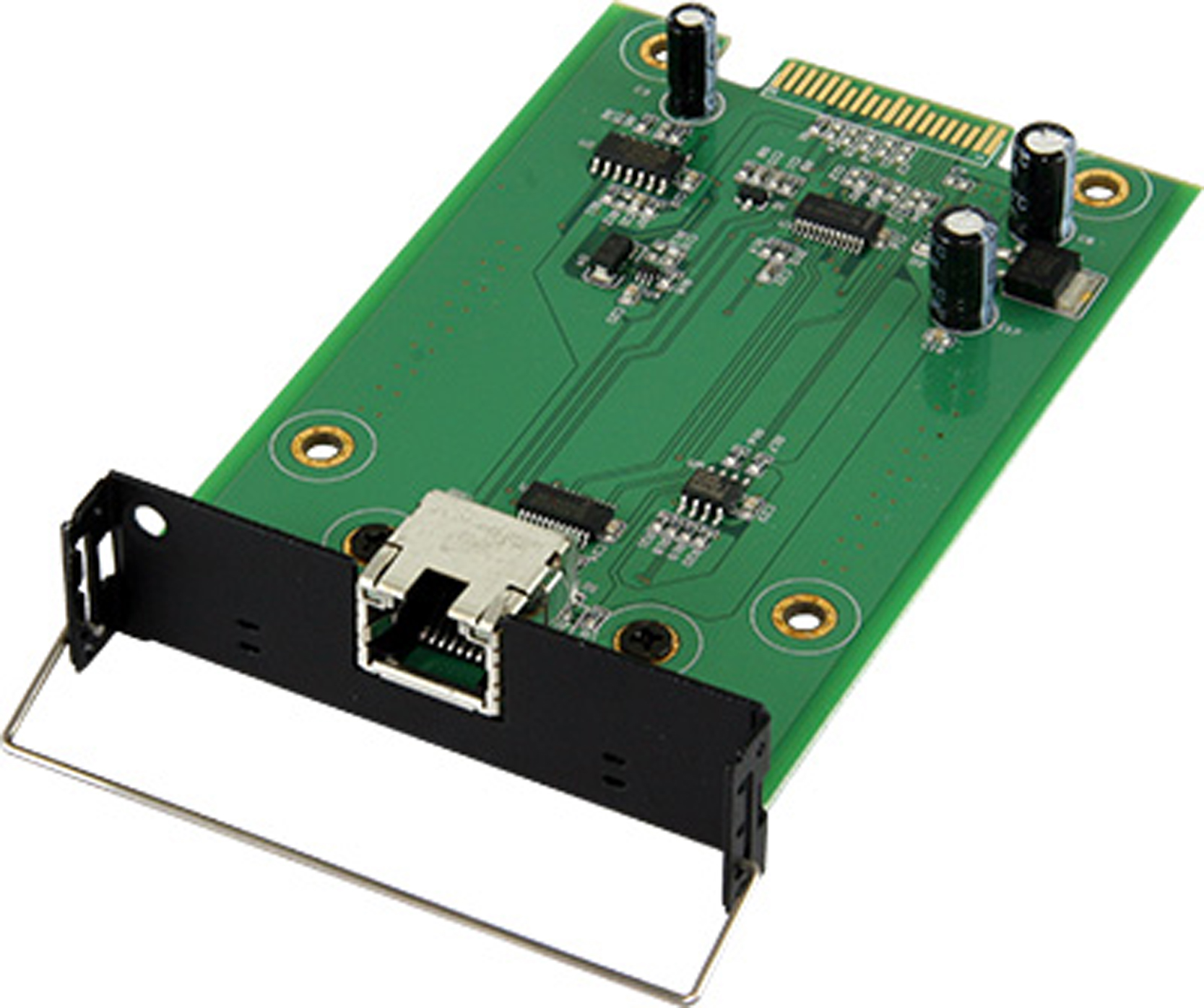
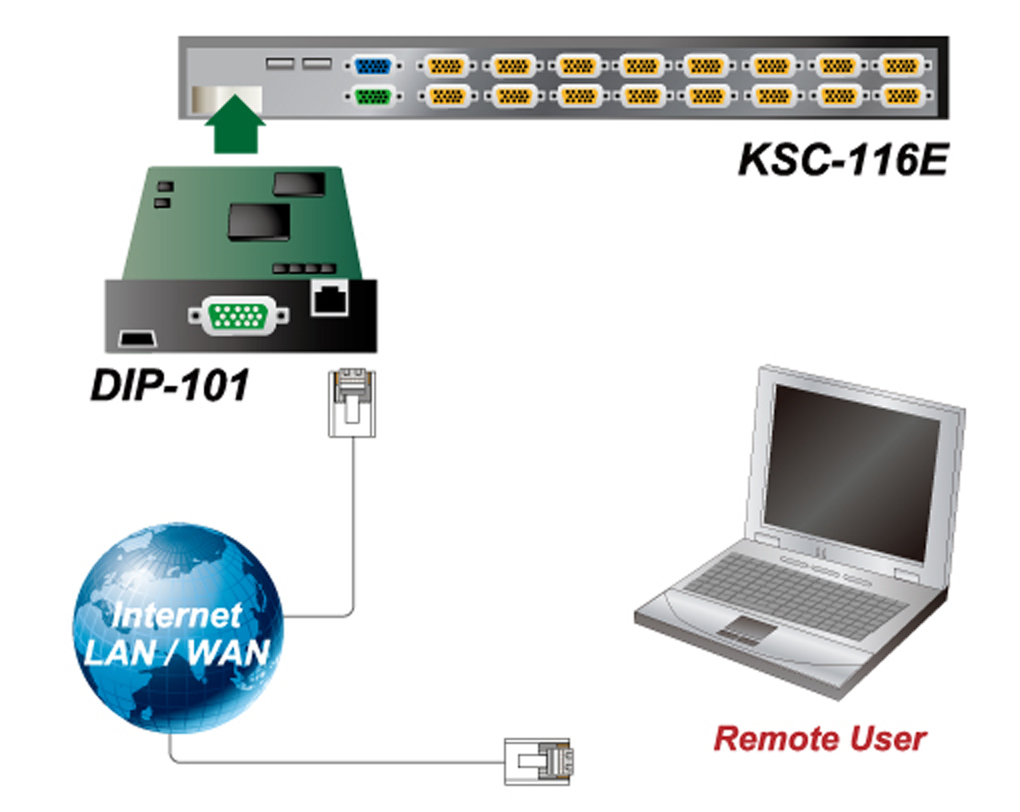
Extand console distance up to 1000 feet (300m)
Using CAT5e, or CAT6 cable easy to install and eliminates
troublesome cables,
Auto adjustable video equalization and video signal boost features for
the best possible video quality
No software required, no DIP-switch setting needed
Hot pluggable, easily installation and move around by using 3 in one
T-Dongle(DCC-001) and standard 3-in-one KVM switch cable.
Build in 2 to 1 KVM switch with OSD(On-Screen Display)
Switches PCs by push button or keyboard “Hot Key” commands
Programmable hotkey, eight characters user name and password
protection.
Audible feedback when switching
LED indicators for computer status
| Features | DCC-150R/300R |
| USB port | 2 USB ports for keyboard and mouseNote: PS2 keyboard and mouse user needs an USB to PS2 converter. |
| VGA | 1 VGA monitor port |
| DB15 | Connect 3-in-1 KVM cables to local PC |
| RJ45 (Cat5) | Connect CAT5 cable to remote PC or KVM system |
| 2 LED light | Local or Remote indicator |
| Port selection | On Screen Display (OSD) Menu, Hot Key, Push Button |
| Hotkey | programmable |
| Security | Provide ACL (Access Control List) security function, |
| OSD | User Name, Password, Hot key selection. |
| Keyboard/ Mouse Emulation | PS/2 or USB |
| VGA Resolution | 1280 X 1024 |
| Power Adapter | DC 12V, 1 A |
| Housing | Metal |
| Weight | 370g |
| Dimension (L x W x H) | 160 X 70 X 25(mm) |
Previous
OXCA DCP-200 : PS2 Remote Console Module...
Next
OXCA DIP-101 : Over IP Console Module I...
Related Products
OXCA KSC-108E : 1 Console (USB), 8 Server(PS2/USB); OSD; Daisy Chain; Upgrade to IP; Rack mount 1U
Rp0
Support a local USB console and an optional remote console (Cat5 based or Over-IP) CAT5 console up to 1000 feet away from KVM switch with...
Show details
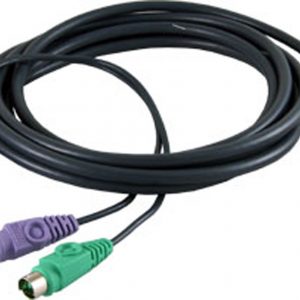
OXCA CVP-018P : 1.8 meter Or KSC 116A, KSC 108E, KSC 116E
Rp0
OXCA PS/2 KVM CABLE 1.8 meter for KSC-102C/KSC-104C/KSC-108A/KSC-116A/KCC-108/KCC-116 KMC-216/KMC-416/DCC-100R/KLA-108/KLA-116/KLB-108/KLB-116 KEC-150/KEC-300
Show details
OXCA KSC-116E : 1 Console (USB), 16 Server(PS2/USB); OSD; Daisy Chain; Upgrade to IP; Rack mount 1U
Rp0
Support a local USB console and an optional remote console (Cat5 based or Over-IP) CAT5 console up to 1000 feet away from KVM switch with...
Show details

OXCA KLC-116 C : 19″ LCD Drawer, 16 port CAT 5 KVM Switch w/ Extra Local Console (w/ 1 Optional Console Over IP)
Rp0
OXCA KLC-116 C 19″ LCD Drawer, 16 port CAT 5 KVM Switch w/ Extra Local Console (w/ 1 Optional Console Over IP)
Show details
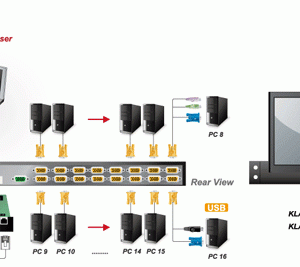
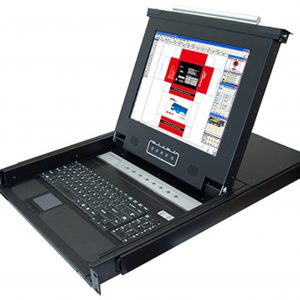
OXCA KLB-116 : 17″ LCD Drawer, 16 port KVM Switch Over IP w/ Extra Local Console with DIP-101
Rp0
OXCA KLB-116 17″ LCD Drawer, 16 port KVM Switch Over IP w/ Extra Local Console with DIP-101
Show details
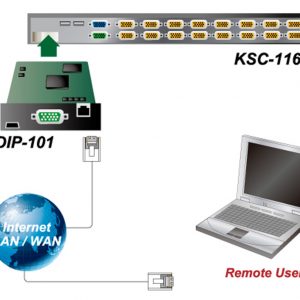
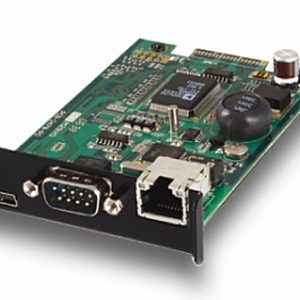
OXCA DIP-101 : Over IP Console Module Insertion Card(AMI Solution)for KSC-108B,116B,108E,116E,KLA-KLB108,116
Rp0
Manage servers around the world. KVM (keyboard, video, and mouse) access over IP and analogous telephone line (modem needed). Full control under any OS, in...
Show details
OXCA KLC-108 C : 19″ LCD Drawer, 8 port CAT 5 KVM Switch w/ Extra Local Console (w/ 1 Optional Console Over IP)
Rp0
OXCA KLC-108 C 19″ LCD Drawer, 8 port CAT 5 KVM Switch w/ Extra Local Console (w/ 1 Optional Console Over IP)
Show details
OXCA KLCD-108 C : 19″ LCD Drawer, 8 port CAT 5 KVM Switch w/ Extra Local Console Dual Rail (w/ 1 Optional Console Over IP)
Rp0
OXCA KLCD-108 C 19″ LCD Drawer, 8 port CAT 5 KVM Switch w/ Extra Local Console Dual Rail (w/ 1 Optional Console Over IP)
Show details
OXCA KCC-116C : 16 Port Cat 5 KVM Switch with PS2 Over IP Local Console; OSD; Superior Video; Opt Remote Console
Rp0
1-Console 8/16/32port CAT5 KVM switch Support combo interface for connecting to PC ports conveniently Support full CAT5 interface on all PC ports for reducing KVM cable bulk Support the...
Show details
OXCA KLB-132 C : 17″ LCD Drawer, 32 port CAT 5 KVM Switch w/ Extra Local Console (w/ 1 Optional Console Over IP)
Rp0
OXCA KLB-132 C 17″ LCD Drawer, 32 port CAT 5 KVM Switch w/ Extra Local Console (w/ 1 Optional Console Over IP)
Show details
© PT. Avatar Jaya Creative
Join newsletter
& be up to date!
Powerful, sleek template that is easy to configure and focused on presenting all your product in best way.
[mc4wp_form]
*Don’t worry, we won’t spam our customers mailboxes